
Tropy features
Signing in without a password — how does it work?
A code from your inbox or a fingerprint. There is no password, so there is nothing to forget or steal.
The neighbour starts walking the dog tomorrow. You invite her, she installs the app — and stops at "set a password": eight characters, a capital letter, a digit. She writes it on a piece of paper. A week later the paper is gone.
How it works in Tropy
There is no password. You type your email, receive a six-digit code, type the code — you are in. The code lives a few minutes and works only in the browser that asked for it. Tick "remember me" and the phone stops asking.
If you prefer, add a passkey: from then on you sign in with a fingerprint, your face or the device PIN, and the email code stays as the fallback. A passkey cannot be phished by a fake site — it only works on tropyapp.com.
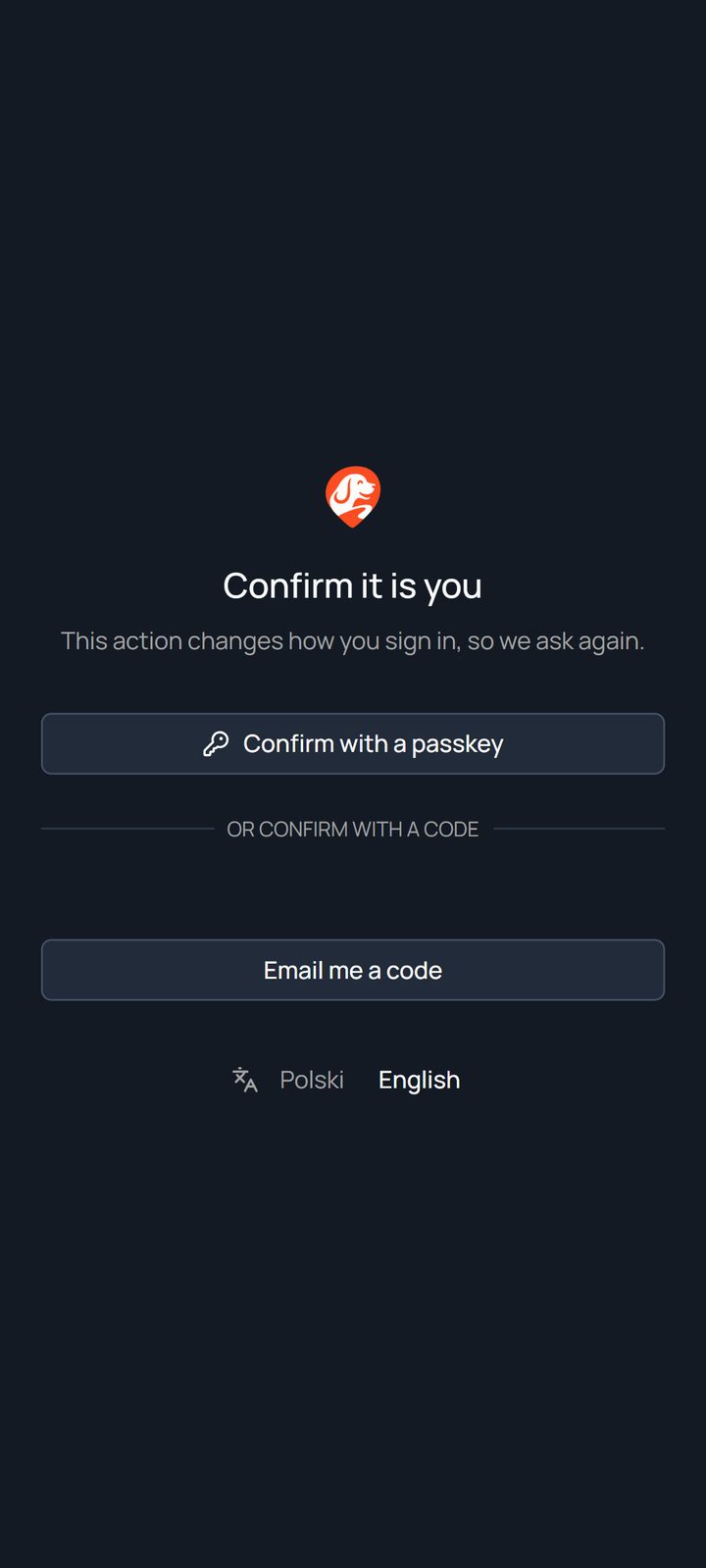
Sensitive things — changing your email, deleting the account — ask you to confirm again even when you are signed in. Anyone who wants it can turn on a second factor from an authenticator app and gets recovery codes.
What changes
- An invited household member is in the app a minute after clicking the email — without setting anything up.
- There is no password to leak, to recover or to write on the fridge.
- You delete the account yourself, from settings. Walks and comments stay in the dog's history without your name; photos are gone.
Where the data lives
The server, the photos and the error reports are in the European Union. Routes never reach an ad network; once signed in, there are no tracking tags in the app at all. The details are in the privacy policy — written for people, with a list of every party anything goes to.